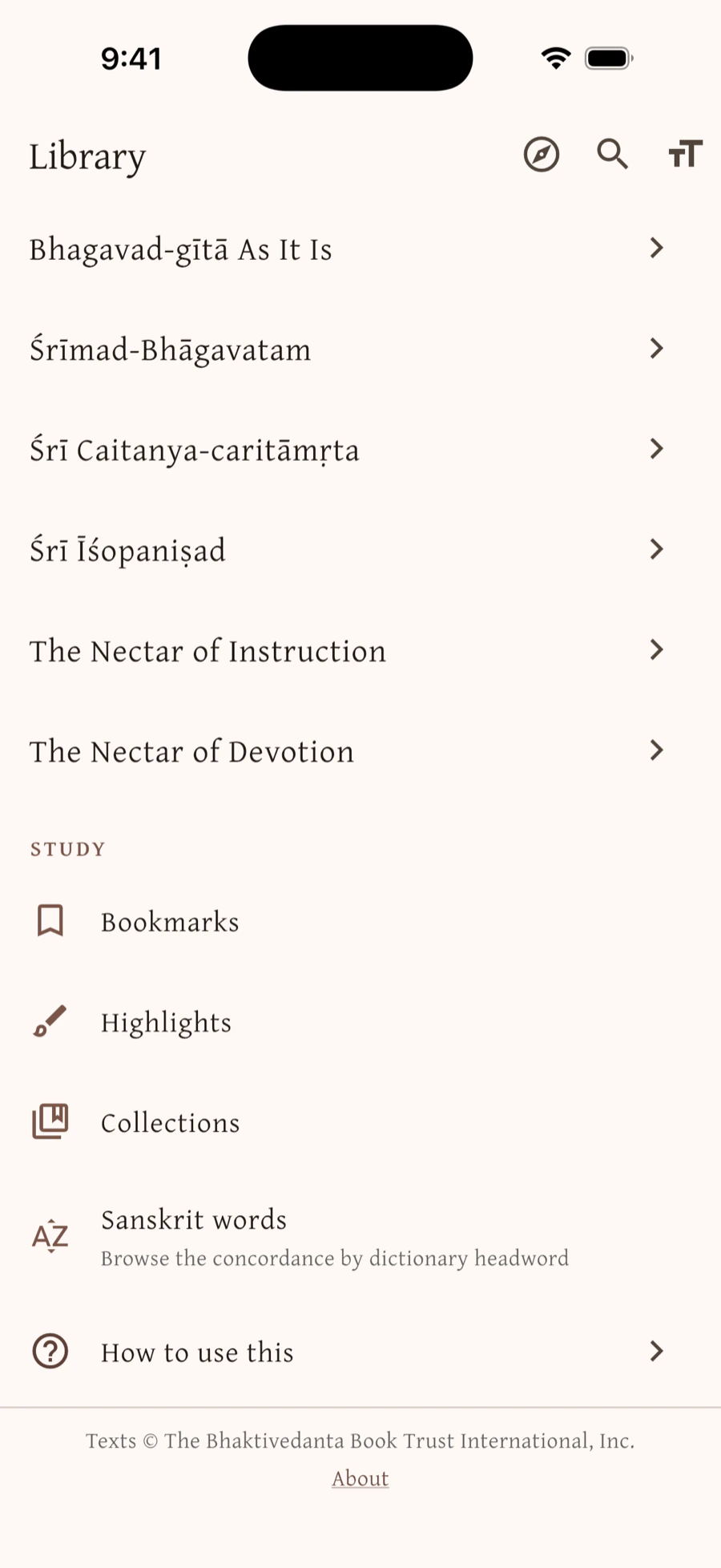
Bhakti Library is built for the devotee who wants to study Śrīla Prabhupāda's books every day, for the devotee who wants to follow the Sanskrit through his word-for-word, and for the devotee preparing to give class — a place where every citation is a link, every verse shows where else it is quoted, and every Sanskrit word can be followed through the whole library. It carries Bhagavad-gītā As It Is, the Śrīmad-Bhāgavatam, Śrī Caitanya-caritāmṛta, Śrī Īśopaniṣad, The Nectar of Instruction, The Nectar of Devotion and Śrī Brahma-saṁhitā, complete with purports in the Bhaktivedanta Book Trust's current editions, and it is fully usable with no internet connection at all.
Why Bhakti Library?
The books themselves are already free to read on the web, and a search engine will find you a verse in seconds. Bhakti Library is not for looking a verse up — it is for what comes after: reading the purport with its citations one tap away, seeing where else the books quote the verse you're on, following a Sanskrit word through every place Śrīla Prabhupāda renders it, gathering what you find into the outline you'll speak from, and getting the verse by heart. Looking it up is a moment; study is a practice. This is a tool for the practice — and it works where the network doesn't.
Made for study
- Entirely offline. The whole library ships inside the app — no account, no ads, and nothing waiting on a server. It is this fast on a train, in a temple basement, or on a plane.
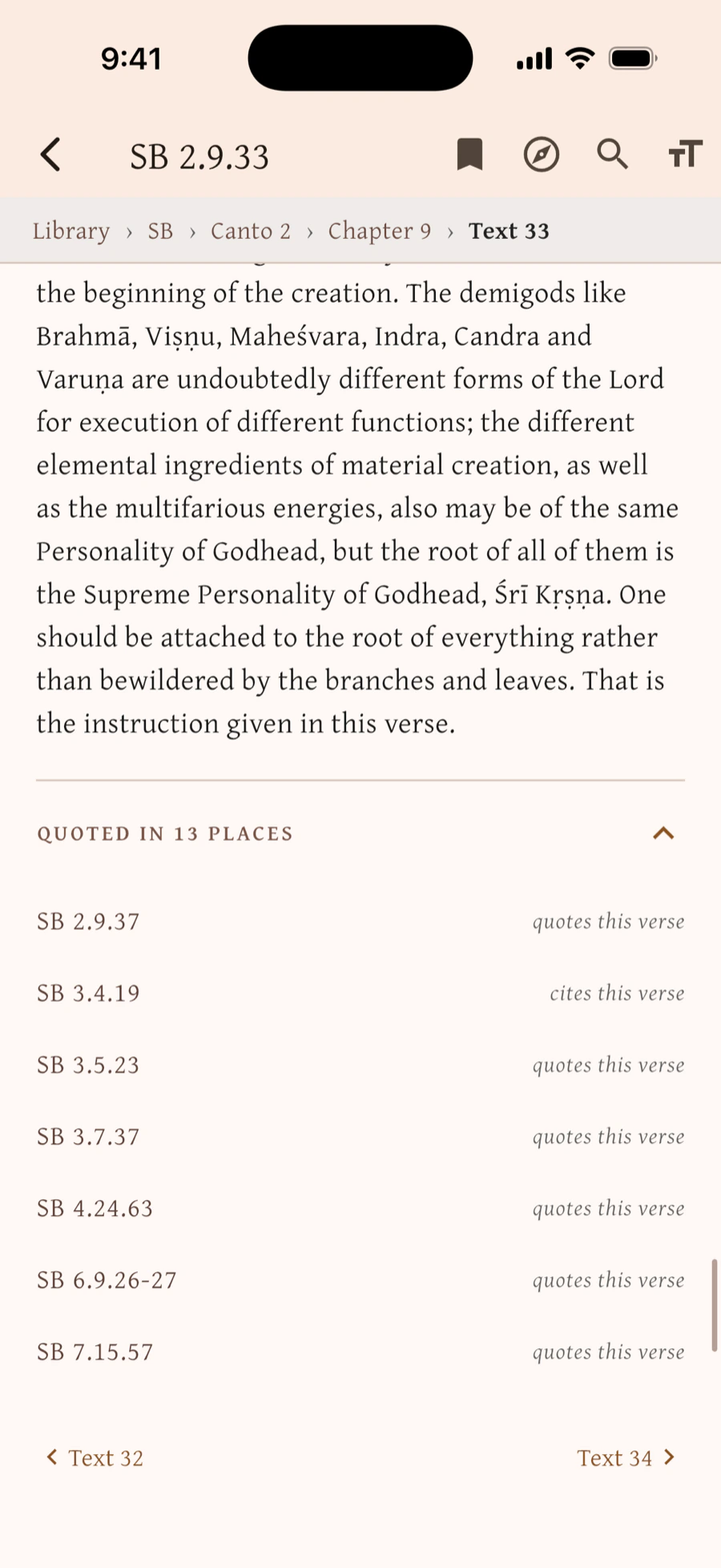
- Citations go both ways. Tap a verse cited inside a purport and it opens in place, and Back walks the trail you followed. Every verse also lists the other places in the library that cite it.
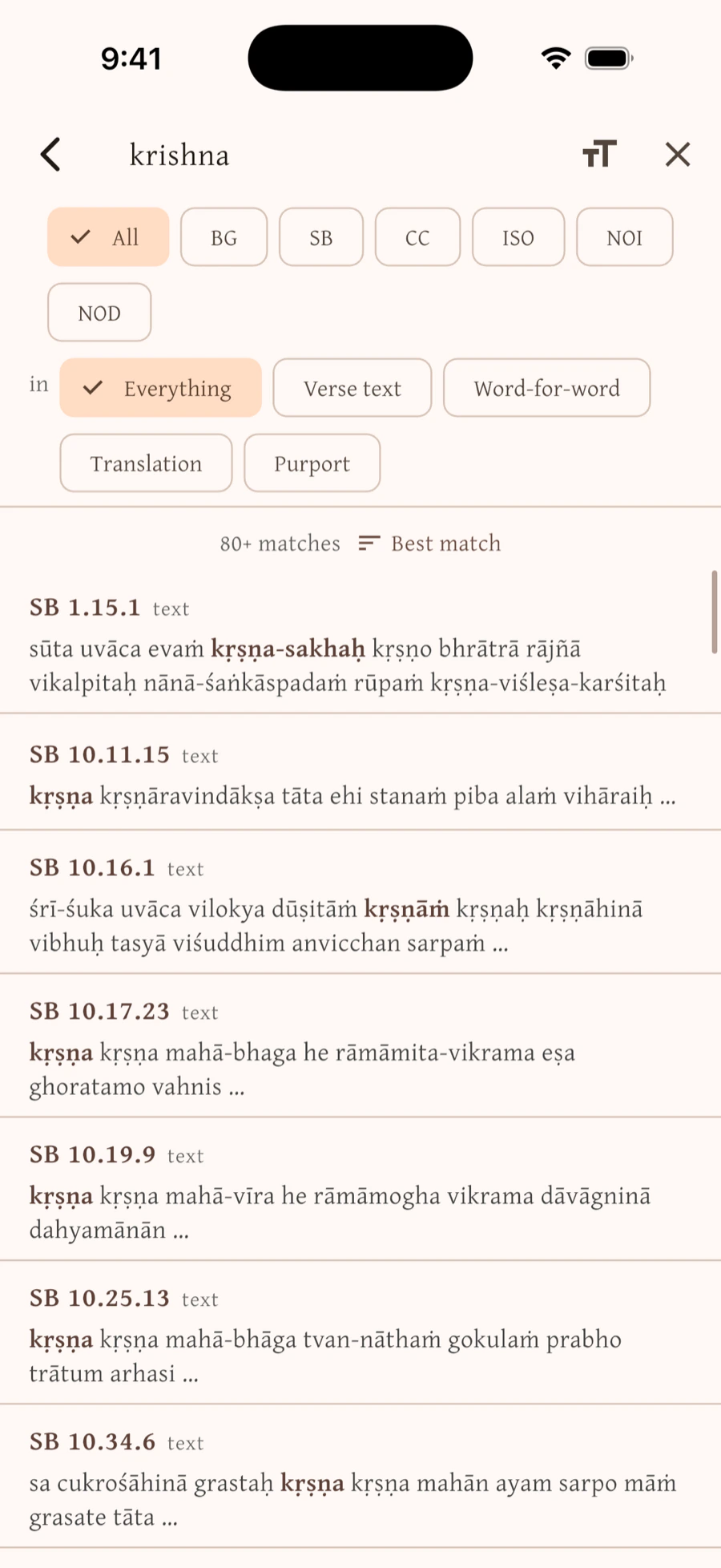
- Search that understands Sanskrit. Full-text across every book, forgiving of diacritics and spelling — krishna, kṛṣṇa and krsna all find each other. Narrow it to one book, or to just the word-for-word, the translation, or the purports.
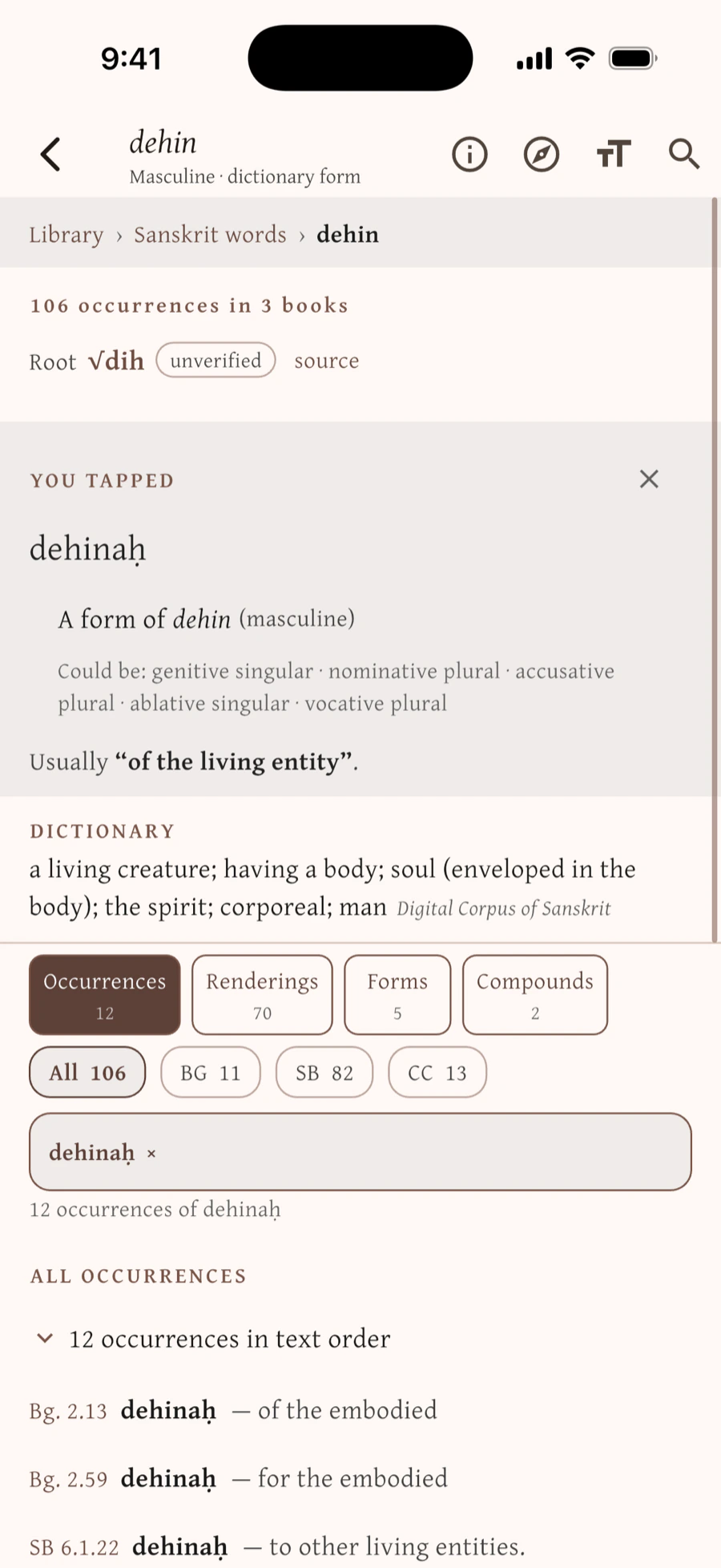
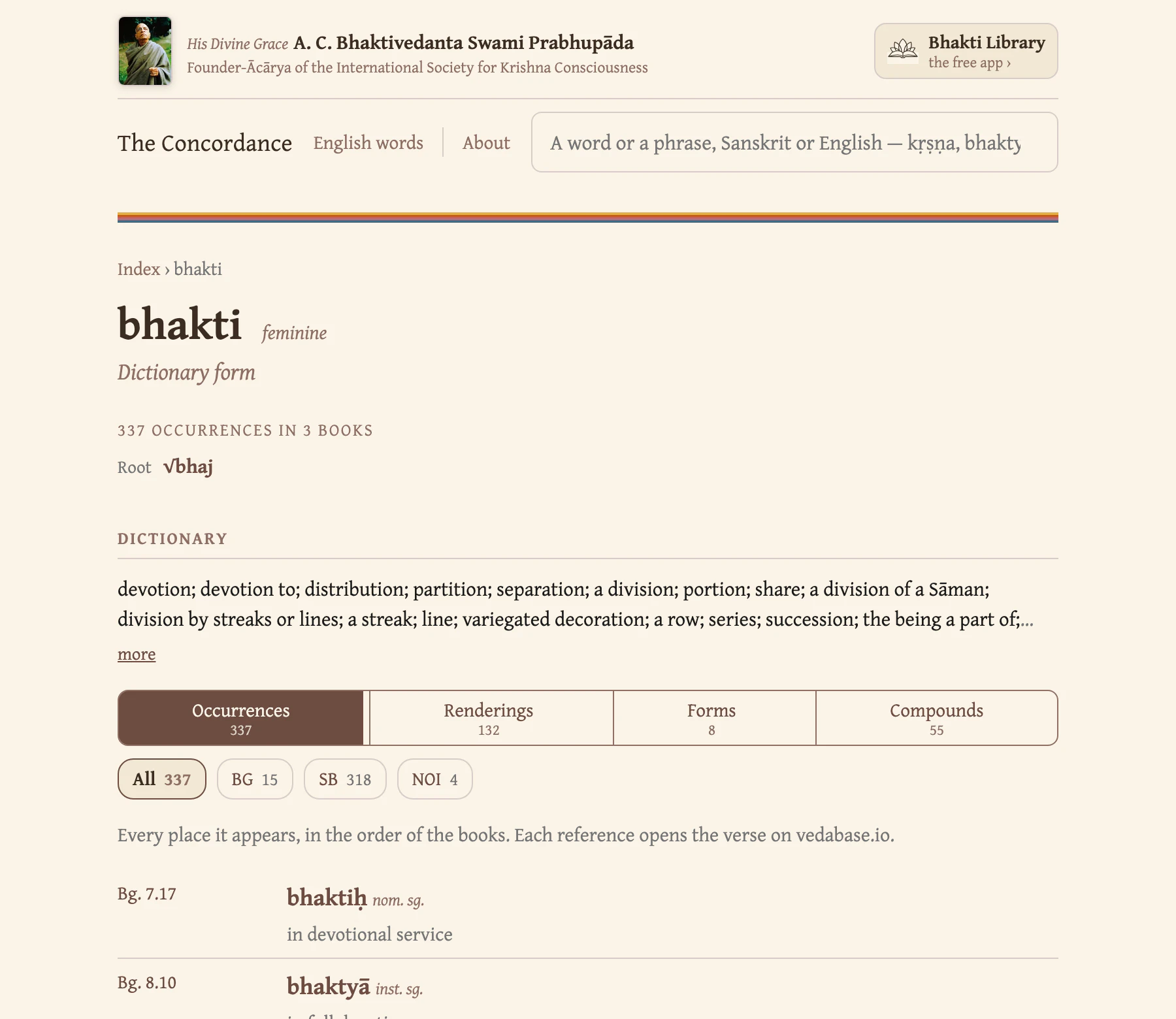
- A Sanskrit concordance. Tap any word in the word-for-word and see every place that form appears across the library, arranged by meaning — then follow it up to its dictionary form and its root. More about the concordance below.
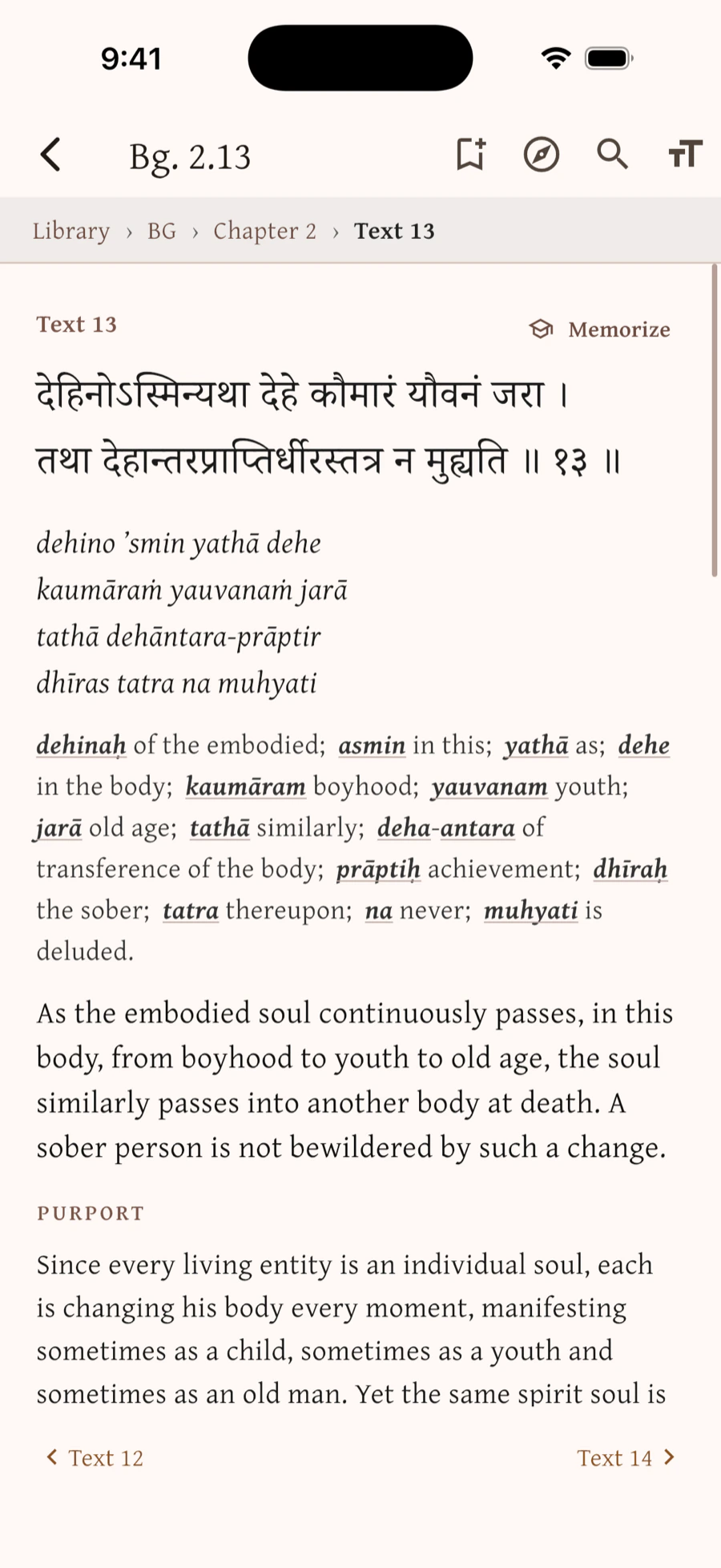
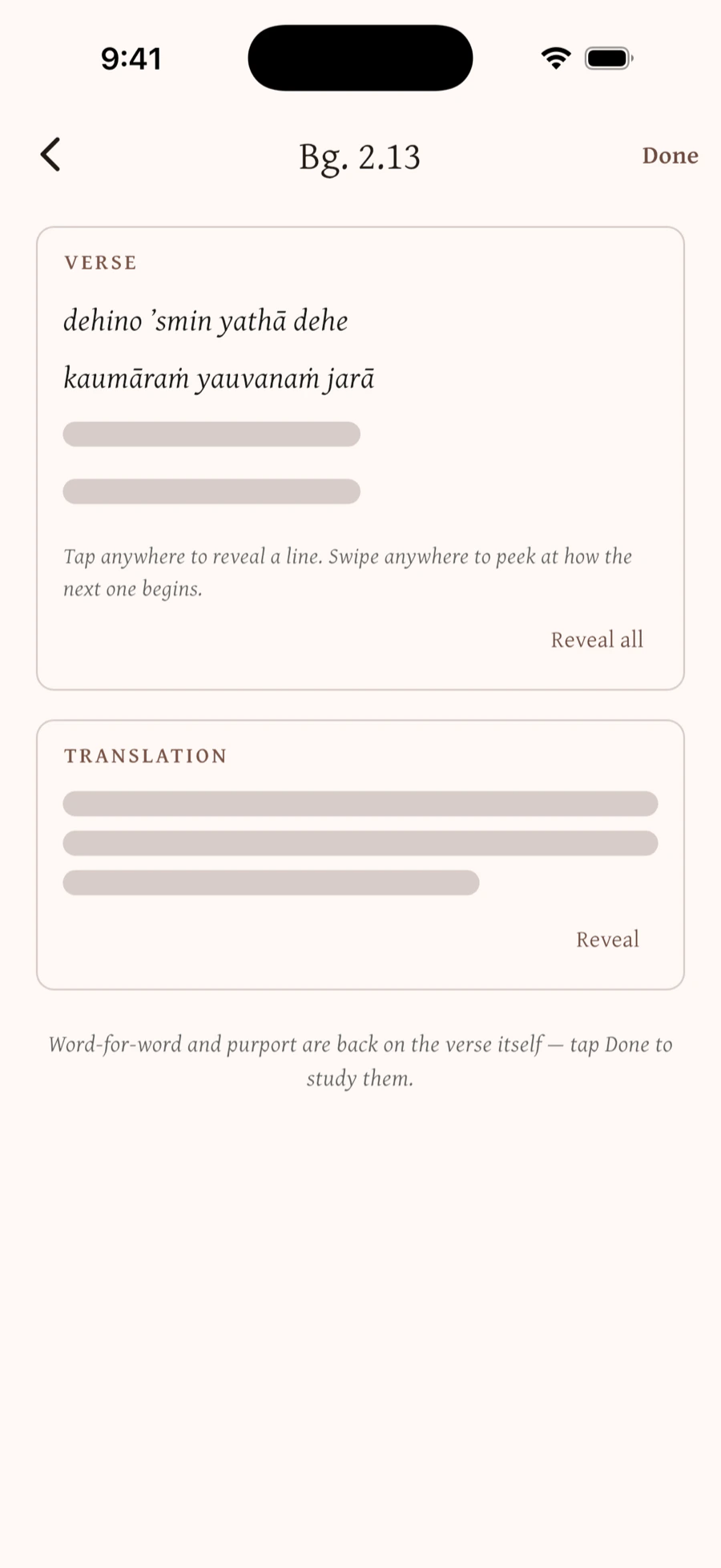
- A memorization mode built for learning the Sanskrit by heart — and the translation with it — uncovering a verse a piece at a time rather than all at once.
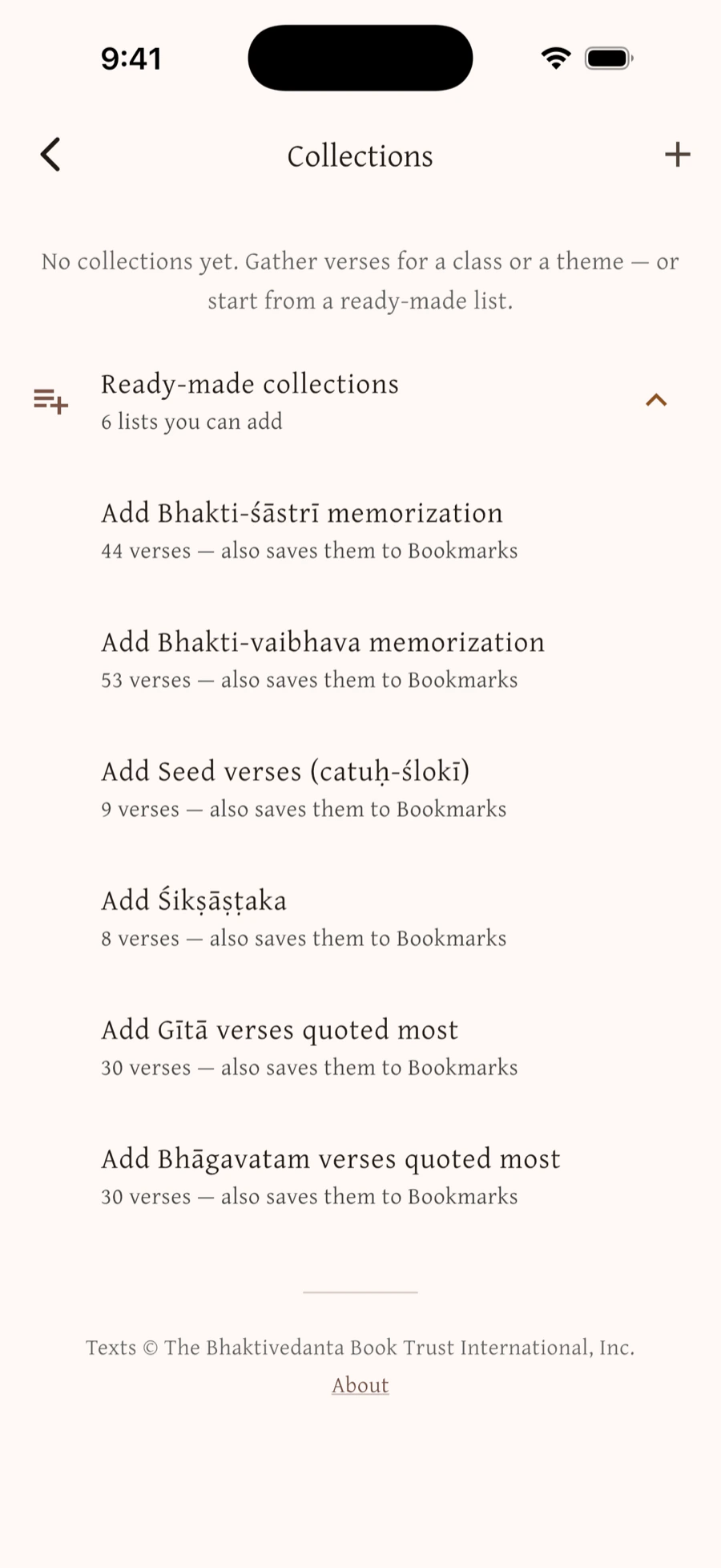
- Collections. Named, reorderable sets of verses with your own note on each — the outline you speak from when you give class. Ready-made ones come with the app: the Bhakti-śāstrī and Bhakti-vaibhava memorization verses set by the ISKCON Ministry of Education, the catuḥ-ślokī, the Śikṣāṣṭaka, and the Gītā and Bhāgavatam verses Śrīla Prabhupāda quoted most — each saying whose list it is and what it leaves out.
- Bookmarks, highlights and notes. One tap bookmarks a verse; select any passage to highlight it, down to the phrase. A note can sit on the bookmark, on the highlight, or on a verse inside one particular collection — so a verse you use in two classes can say something different in each.
The concordance
Every verse carries a word-for-word: the Sanskrit, term by term, with what each term means there. Tap any of those words and you get every place that form is used across the whole library, arranged by meaning — so you can see which sense is the ordinary one, and how the Gītā uses a word against how the Bhāgavatam does.
From there you can go up. A form leads to its stem, the dictionary form, where the word's other shapes are gathered: ātmā, ātmanaḥ and ātmānam all sit under ātman. A stem leads to its root, and the root shows the other words grown from it — √bhaj gives bhakta, bhakti and bhajana. Each form is labelled with its grammar, “instrumental singular of bhakti (f.)”, so you can see what a word is doing in the line and not only what it means.
Follow that chain a few times and you are learning Sanskrit rather than looking things up. The whole vocabulary is browsable as well — more than fifteen thousand dictionary headwords, searchable and sorted for wandering through.
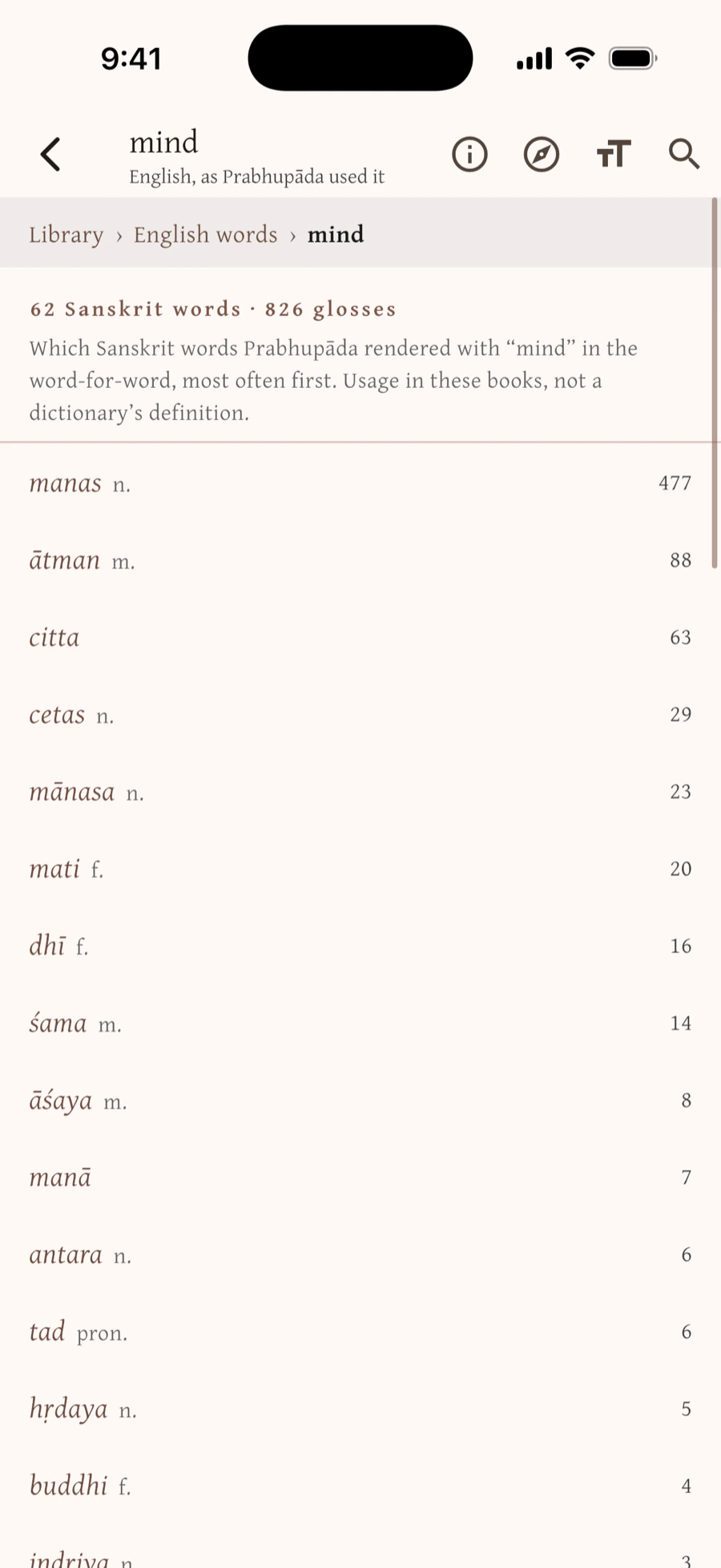
It runs the other way too. Library › English words starts from a word Prabhupāda used in the word-for-word — “mind” — and shows the Sanskrit behind it: manas, but also ātman, citta and cetas, commonest first. It is an index of his English rather than a translation of ours, so it gives a reader with no Sanskrit somewhere to start.
A search box can tell you where a word appears. This tells you what it means everywhere it appears — offline, in your hand, whenever a word stops you.
Preparing a class
If you give class, the preparation is mostly the reading tools: search a theme across the whole library to find what bears on it, follow the citations out of a purport and the back-references into it, mark the passages you'll read aloud, and gather them into a collection — ordered, with your own notes on the verses, and still there next week.
The text, unaltered
Everything in the app is Śrīla Prabhupāda's text as the BBT publishes it — reproduced faithfully and unaltered from the current editions, with the BBT's copyright notice at the foot of every screen that shows a line of it. The study apparatus lives around the text, never inside it: nothing is added to a purport, and nothing is written in his name.
His translations and purports run through the whole of the Gītā, the Caitanya-caritāmṛta, the Īśopaniṣad, The Nectar of Instruction and The Nectar of Devotion, and the Bhāgavatam as far as the thirteenth chapter of the Tenth Canto, where his work stood at his disappearance in 1977. His disciples completed the remaining cantos in the same form, and they appear here as the BBT prints them. Śrī Brahma-saṁhitā is the one other voice in the library: the English edition of Śrīla Bhaktisiddhānta Sarasvatī Ṭhākura, its 1932 translator and commentator, as the BBT publishes it.
Who's making this
Bhakti Library is an independent project by Christopher Norris. It is free, with no advertising and nothing for sale, and it is not affiliated with or endorsed by the Bhaktivedanta Book Trust — a distribution licence is being sought from the BBT International. Corrections, and anything that reads or renders wrongly, are welcome at info@bhaktilibrary.org.